New
Download Nintendo Switch ROMs in NSP and XCI formats for consoles and emulators.

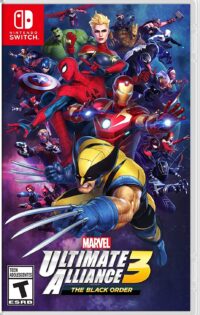

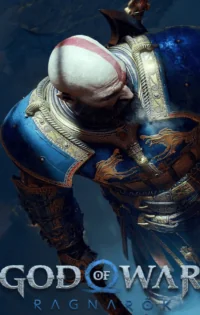
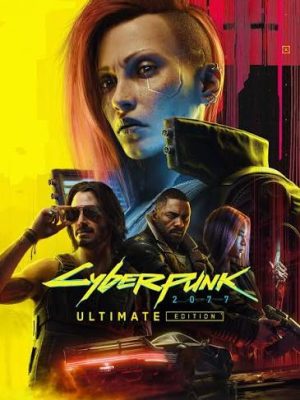
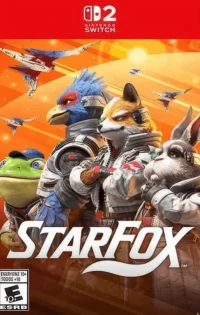

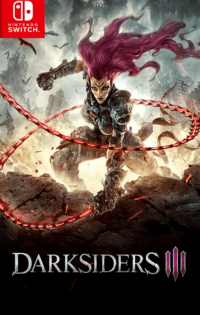
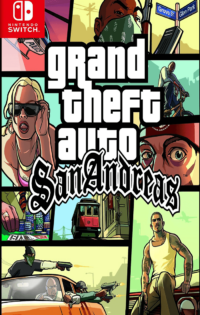

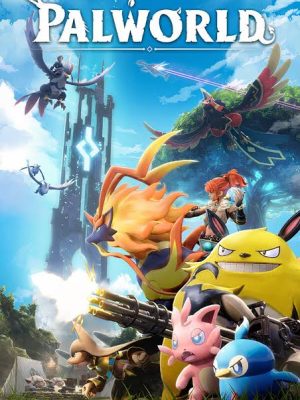
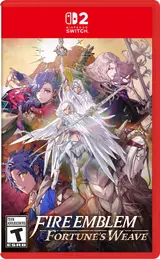



Ryujinx is a free, open-source Nintendo Switch emulator for Windows, Mac, and Linux, created by developer GDKCHAN and written in C#. It focuses on accuracy above everything, so games run and behave almost exactly as they do on real hardware. Setup takes only a few minutes: the interface is tidy, your library is shown with cover art, and settings such as resolution scaling, anti-aliasing, and controller profiles are all in one place. For PC players who want the closest thing to a real Switch, Ryujinx is usually the first emulator to try.
Yuzu is an open-source Nintendo Switch emulator for PC and Android, built by the same team that made the Citra emulator for the 3DS. It became popular for its speed and its long list of features, including resolution scaling up to 4K, motion controls, local multiplayer, and support for almost any controller you plug in. A large share of the Switch library runs on Yuzu, and its settings let you tune each game for either better graphics or better performance, depending on your hardware.
Suyu is a community-made Nintendo Switch emulator that continues where Yuzu left off, keeping the same familiar design while adding fresh fixes and improvements. It is available for Windows, Linux, and Android, uses the same game files, firmware, and keys as Yuzu, and supports features such as resolution scaling and controller remapping. If you want an emulator that is still being developed and improved by an active community, Suyu is the one to pick up.
Egg NS brings Nintendo Switch games to Android, letting you play on your phone or tablet without needing a computer. It opens NSP and XCI files directly, shows the controls on your touchscreen, and also works with Bluetooth controllers for a more traditional feel. Because it runs on mobile hardware, results depend on your device: flagship phones with strong processors play most titles smoothly, while weaker phones may struggle with heavier games.
A Nintendo Switch ROM is a digital copy of a Switch game saved as a single file, either in NSP format, which comes from the eShop, or XCI format, which comes from a physical game card. Switch ROMs keeps these games in one searchable library where every title has its own page with details, screenshots, file size, and download information, so you can check everything about a game before you take it.
Care and accuracy. Every game on Switch ROMs has a hand-checked page with the correct publisher, release date, size, and screenshots, instead of the copied and mismatched listings you see elsewhere. Pages are written in plain, simple words, the library grows every day, and a community on Discord and Telegram helps with requests. It is a site run by players, for players.
Yes. Switch ROMs is a clean site with no fake download buttons, no bundled installers, and no hidden software attached to its pages. Listings are checked before they go live, and the site does not ask for personal information at any point. Downloading only from the game's own page, and keeping an antivirus active on your device, keeps the whole process safe.
Never. Switch ROMs is free from start to finish: browsing the library, opening game pages, and downloading all cost nothing, and there is no account, subscription, or premium tier. The site exists for the community, and the plan is to keep it free for everyone who visits.
The site works like a library catalogue for Nintendo Switch games. New titles are added as proper pages with an overview, game details, screenshots, and a download section, and older pages are refreshed when a game receives an update. You find a game through search or the genre lists, open its page, and follow the download steps given there. The same pages also explain which firmware the game needs and which emulators can run it.
Type the name of your game into the search bar, or browse the ROMs List and genre pages until you find it. On the game's page, check the details and screenshots, note the firmware version it needs, and use the download button on that page. After downloading, load the file into your emulator of choice, or onto your console, and start playing. Most games are ready within minutes.